Wi-Fi 6 and 6E explained plainly
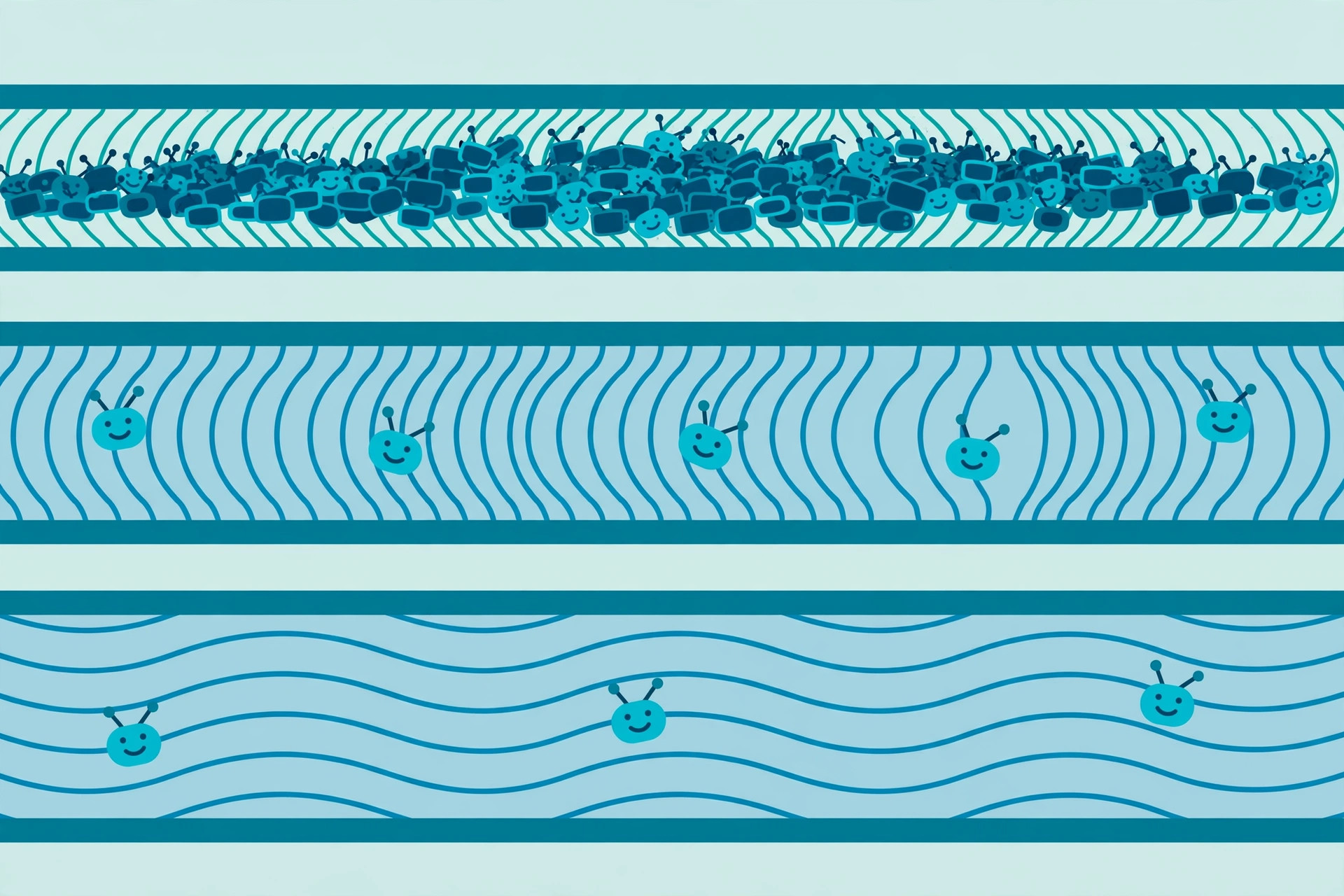
Router boxes shout about Wi-Fi 6, 6E, and 7 like they're speed upgrades — they aren't, exactly. The generational names are mostly about efficiency in crowded networks, not raw speed. Here's what the labels mean, in plain language, so you can decide whether any of it matters for your home.
The generation names, decoded
In 2018, the Wi-Fi Alliance gave the old technical standards (802.11n, ac, ax…) simple generation numbers so shoppers could compare them:
- Wi-Fi 4 (802.11n, ~2009): the first mainstream standard with multiple antennas. Fine for light use today, dated.
- Wi-Fi 5 (802.11ac, ~2013): 5 GHz only, wider channels, much faster than Wi-Fi 4. Still perfectly good for most homes.
- Wi-Fi 6 (802.11ax, ~2019): not mainly about speed — about handling many devices at once, efficiently.
- Wi-Fi 6E: Wi-Fi 6 with one big addition — a whole new radio band, 6 GHz.
- Wi-Fi 7 (802.11be, ~2024): even wider channels and the ability to use multiple bands at once. Still new and premium-priced.
The practical rule: a higher number never hurts, but the jump that matters most for an average home is from Wi-Fi 4-era gear to Wi-Fi 5 or newer. If your router is from the Wi-Fi 4 era, that's a real bottleneck; if it's Wi-Fi 5, you're probably fine.
What Wi-Fi 6 actually improved
Wi-Fi 6's headline features are about sharing airtime among lots of devices rather than boosting one device's top speed:
- OFDMA splits a channel into small resource units so several devices' small transmissions can share one airtime slot instead of queuing — like a carpool lane for data packets.
- Better MU-MIMO lets the router talk to multiple devices simultaneously in both directions (Wi-Fi 5 could only do this downstream).
- Target Wake Time lets battery-powered devices (phones, smart-home sensors) schedule when they listen, saving battery.
- BSS coloring helps your router ignore your neighbors' transmissions instead of politely waiting for them.
In a house with 20+ connected devices — phones, TVs, speakers, cameras, thermostats — these add up to noticeably snappier Wi-Fi even though the headline "speed" number barely changed.
What the "E" adds: 6 GHz
Wi-Fi 6E adds the 6 GHz band alongside the existing 2.4 and 5 GHz bands. In regions that opened the full band, that's roughly 1,200 MHz of extra spectrum — enough for many wide, non-overlapping channels, and (critically) no older devices exist in 6 GHz, so there's no legacy interference at all. It's a clean highway.
The catch: 6 GHz signals don't travel as far or pass through walls as well as lower frequencies. The realistic use is fast, clean connections in the same room as the router — great for a home office or media room, not a magic fix for a distant bedroom.
Should you care yet?
- Shopping for a router now? Wi-Fi 6 is the sensible baseline — it's mature and affordable. Wi-Fi 6E is worth it if you work from home in the same room as the router or move a lot of large files.
- Happy with your current router? Don't upgrade just for the number. Fix placement and interference first — those dwarf the generational gains for most homes.
- Your devices must match: a Wi-Fi 6E router does nothing for a Wi-Fi 5 phone. The network runs at the capability of the weakest device in each conversation.
The honest summary: Wi-Fi 6 is about many devices sharing nicely, 6E adds a clean fast lane with short range, and neither fixes bad placement or a slow internet plan. Upgrade the gear when it's old, not when the marketing is new.