Router placement that actually matters
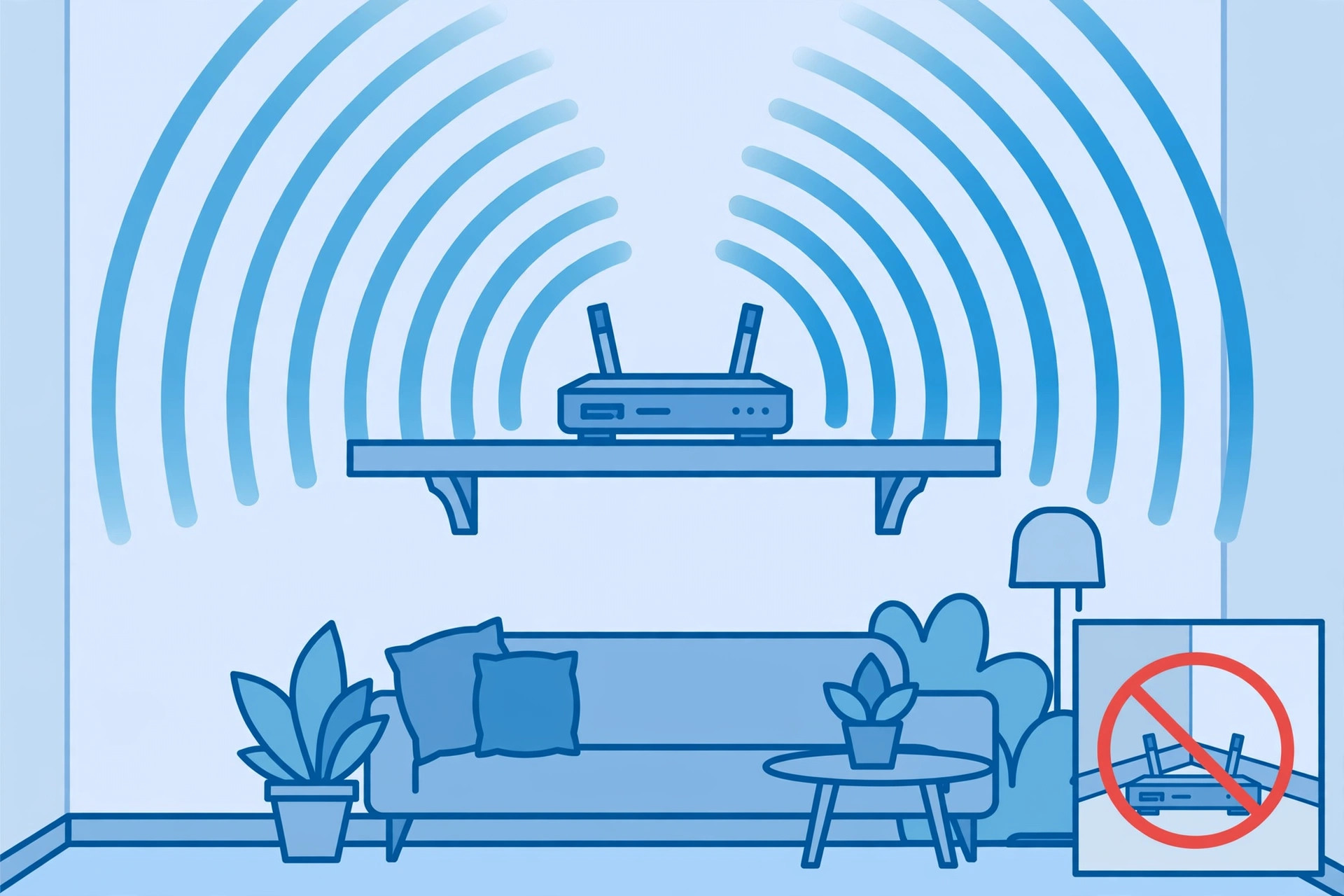
Before you buy anything, move your router. Placement is the single biggest free upgrade in home networking, and most routers sit exactly where the installer left them — next to the modem, behind the TV, or in a far corner of the house. Wi-Fi signal weakens with distance and every wall, floor, and large object between the router and your device. A better spot fixes more problems than any setting.
Central, elevated, open
Wi-Fi spreads outward from the router in all directions, so the ideal spot is as close to the center of your living space as you can manage, roughly at chest height or higher, and out in the open — not inside a cabinet, behind books, or under a desk. Signal that has to punch through a closet door on its way to your bedroom is already losing before it starts. A shelf or bookcase in a hallway often beats a desk in a corner room.
If you live on multiple floors, a spot near the stairs or an open landing lets signal reach both levels more evenly. No single position is perfect for every room, so aim for the spot that is fair to everyone rather than perfect for one room.
The signal killers in your house
Some common household items and structures block or interfere with Wi-Fi more than you'd expect:
- Metal and mirrors. Metal filing cabinets, large appliances, and mirrors reflect Wi-Fi signal. Keep the router out from behind them.
- Dense walls. Brick, concrete, and plaster walls absorb far more signal than drywall. If your router and your desk are on opposite sides of a brick fireplace wall, that wall is your problem.
- Microwave ovens. Microwaves operate near the same 2.4 GHz frequencies as older Wi-Fi bands, and a running microwave can briefly disrupt nearby wireless connections. Don't park the router on top of one.
- Fish tanks and water. Water absorbs Wi-Fi signal well. A large aquarium between the router and your office is a surprisingly effective signal blocker.
- Other electronics. Baby monitors, cordless phones, and crowded power strips with lots of cables add noise. A little separation helps.
Antenna basics
If your router has external antennas, stand them upright for typical same-floor coverage — most router antennas are designed to spread signal horizontally. If you need coverage on another floor, try angling one antenna sideways. And don't stack things on top of the router: it needs airflow, and overheating routers behave exactly like broken ones.
Test before and after
Move the router, then walk around with your phone and run a speed test in each room (any free speed-test app or website works). Write down the numbers before and after the move so you're comparing reality, not feelings. If the far room went from 8 Mbps to 60 Mbps, the problem was never your internet plan — it was geography.
The two-minute version: central location, about chest height, out in the open, away from metal, mirrors, microwaves, and thick walls. This one move solves more Wi-Fi complaints than everything else on this site combined.