Diagnosing ISP speed problems
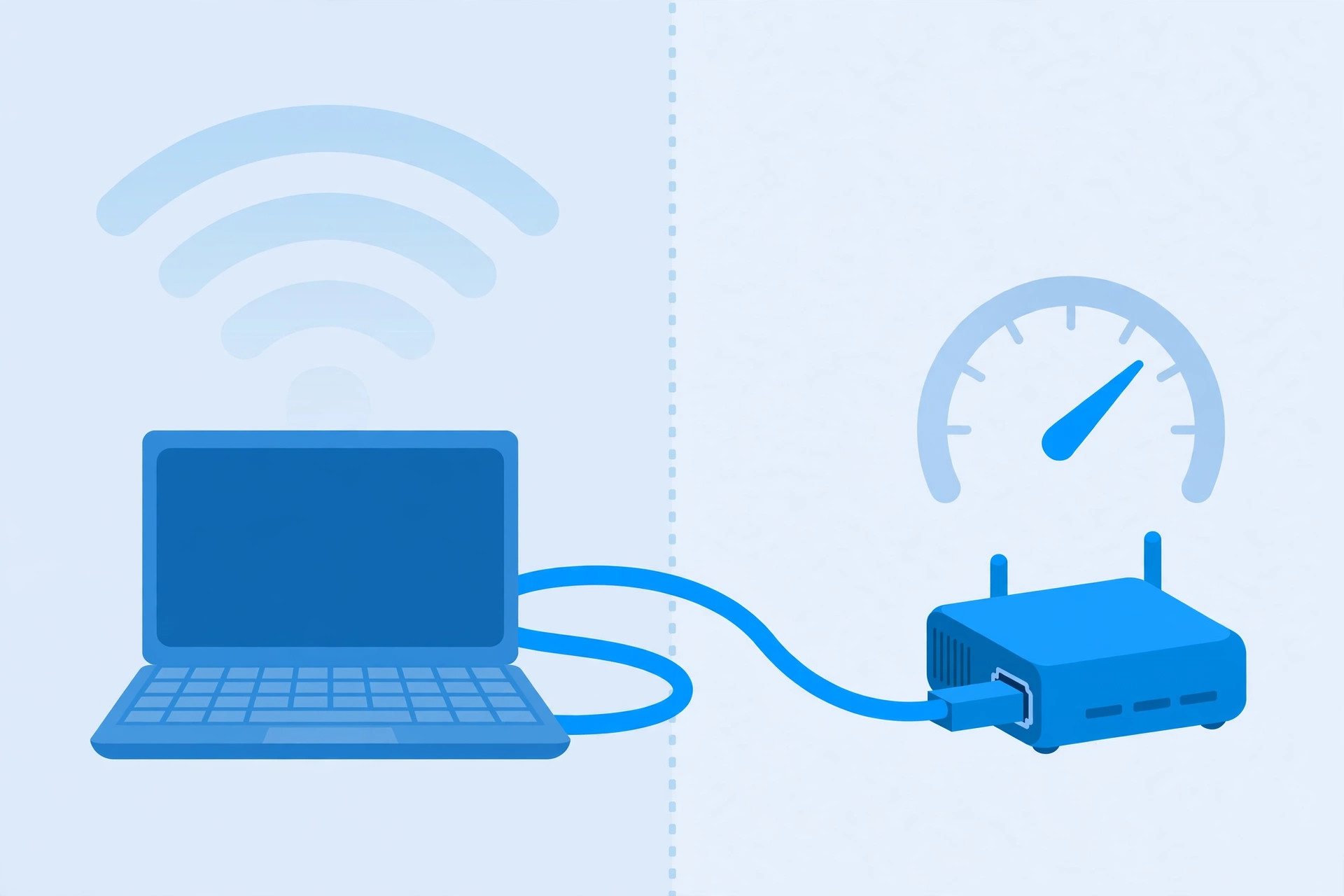
"My Wi-Fi is slow" usually means "my internet feels slow" — and the Wi-Fi is innocent more often than people think. Before you touch a single router setting, you need to answer one question: is the slowness in your Wi-Fi, or in the internet connection coming into your house? Here's how to tell.
The wired test: your two-minute answer
Plug a laptop directly into your modem or router with an Ethernet cable and run a speed test. This bypasses Wi-Fi entirely, so the number you get is what your internet connection actually delivers.
- Wired speed is fine, wireless is slow: the problem is your Wi-Fi — placement, interference, or hardware. Everything else on this site applies.
- Wired speed is slow too: the problem is upstream of your Wi-Fi — the connection from your provider, the modem, or the cable into your house. No router upgrade will fix it.
If you don't have an Ethernet cable or a laptop with a port, run the speed test standing right next to the router. It's not as clean a test, but it separates "the whole house is slow" from "the far rooms are slow."
Know what you're paying for
Check your bill or your provider's account page for your plan's advertised download and upload speeds. Compare the wired test result:
- Close to advertised (within roughly 10–20%, varying by time of day)? Your connection is doing its job — look at your Wi-Fi and your devices.
- Far below advertised, consistently? Keep diagnosing below, then call your provider with numbers in hand.
Note that advertised speeds are usually "up to" figures, and cable connections in particular slow down during evening peak hours when the whole neighborhood is streaming. Test at a quiet time (morning) and a busy time (evening) — a big gap between the two points to congestion outside your house, not broken equipment inside it.
Check before you call
- Restart the modem (and router, if separate): unplug both, wait about 30 seconds, plug the modem back in first, then the router. This clears a surprising number of issues, including stale connections and overheated hardware.
- Check the cables. A damaged or ancient Ethernet cable between the modem and router, or a loose coaxial connection, can silently cap your speed. Reseat everything; replace any cable that looks chewed or kinked.
- Test with one device. Run the speed test with other devices idle. A cloud backup, a game download, or four people streaming at once will all drag the number down — that's normal sharing, not a fault.
- Check for provider outages. Most providers have a status page or app. A neighborhood outage explains everything and saves you a support call.
- Ask about your modem. If you rent an old modem from your provider or bought your own years ago, it may not support your plan's full speed. Ask whether it's rated for your tier — an underpowered modem is a common, invisible bottleneck.
When you call, bring numbers: "wired test, 45 Mbps at 9pm and 48 Mbps at 8am, on a 300 Mbps plan, modem restarted, cables checked." That sentence gets you past the script and to someone who can actually help.